Teach Claude Your Way of Working
Ask Claude to write a LinkedIn post about learning AI. Now ask again with the exact same words.
You'll get different results. Not wrong—just different. Different structure, different tone, different emoji choices.
Try it yourself:
Run it twice. Compare the outputs.
This isn't a bug. It's how AI models work.
Why AI Outputs Vary
AI models like Claude are non-deterministic—the same input can produce different outputs each time.
Non-deterministic simply means "not guaranteed to give the same result." When you roll a die, you can't predict the exact number. When you ask an AI model the same question twice, you can't predict the exact wording of the response.
For casual conversation, this is fine. For your professional output? It's a problem.
Now add a second variable: you phrase your requests differently each time too.
Two sources of drift = unpredictable results.
What If You Could Constrain the Output?
In Lesson 5, you solved the project context problem with CLAUDE.md. Claude now knows your tech stack and file structure.
But what about your personal style?
You've been using Claude Code for a week. You notice something: you keep explaining the same preferences over and over.
"When I post on LinkedIn, keep it professional but friendly. Use 2-3 emojis maximum. End with a question to encourage engagement."
Or maybe it's study notes: "When I process lecture notes, create a summary first, then key terms, then practice questions. Always end with a quick review section."
You might think: "I should save this prompt somewhere and paste it each time."
That instinct is 10% of the answer—and missing 90% of the opportunity.
The One-Time Investment
You have your unique way of doing things. Your LinkedIn posts get more engagement when you follow your personal style. Your study notes work better when organized your way. Your emails get responses when structured a certain way.
That knowledge lives in your head. Every time you ask Claude for help, you explain your preferences—then they're gone when the session ends.
What if you could teach Claude your style once and have it apply automatically, forever?
That's what skills do. Not saving keystrokes—preserving your personal touch. You invest once in documenting how you work, and Claude applies your style consistently across every future task.
Two Problems, Two Solutions
You now know about two distinct problems:
CLAUDE.md gives Claude project context. Skills give Claude your personal style.
How skills constrain non-determinism:
A skill is a folder containing a SKILL.md file (metadata + instructions), optionally with scripts, templates, or assets. When a task matches the skill's description, Claude loads the full instructions and follows them.
This constrains drift because Claude isn't reinventing your structure and preferences every time:
- Your exact structure (not reinvented each time)
- Your specific examples (showing what you want)
- Your preferences documented (not remembered—written down)
The result: Claude's output still varies (that's inherent to non-determinism), but it stays within YOUR boundaries. Every LinkedIn post has your tone, your emoji style, your engagement hooks—because your skill defines them.
Think of it like the difference between asking a stranger for directions versus asking someone who knows your neighborhood. The stranger gives generic advice. Your neighbor knows your shortcuts.
What Skills Actually Are
Think about the difference between a generic assistant and a personal assistant who knows you well.
Generic assistant: "Here's a LinkedIn post about learning AI." Personal assistant who knows you: "Here's a LinkedIn post about learning AI that matches your friendly-professional tone, includes relevant emojis, and ends with an engagement question."
That personalized touch is the difference between generic output and YOUR output.
Claude without skills: A brilliant assistant who helps with anything but always uses a generic approach.
Claude with skills: Your personalized assistant. When you mention LinkedIn, Claude doesn't think "how to write a post?" It thinks "friendly-professional tone, 2-3 emojis, end with question"—because that's YOUR style, loaded automatically.
Simple definition: A skill is a folder with a SKILL.md file containing your instructions for a specific task—your tone, your structure, your preferences—so Claude creates output that sounds like you.
The Matrix Analogy
Remember the scene in The Matrix where Trinity needs to fly a helicopter? She doesn't know how—until Tank uploads the B-212 helicopter pilot program directly into her mind. Seconds later, she's an expert pilot.
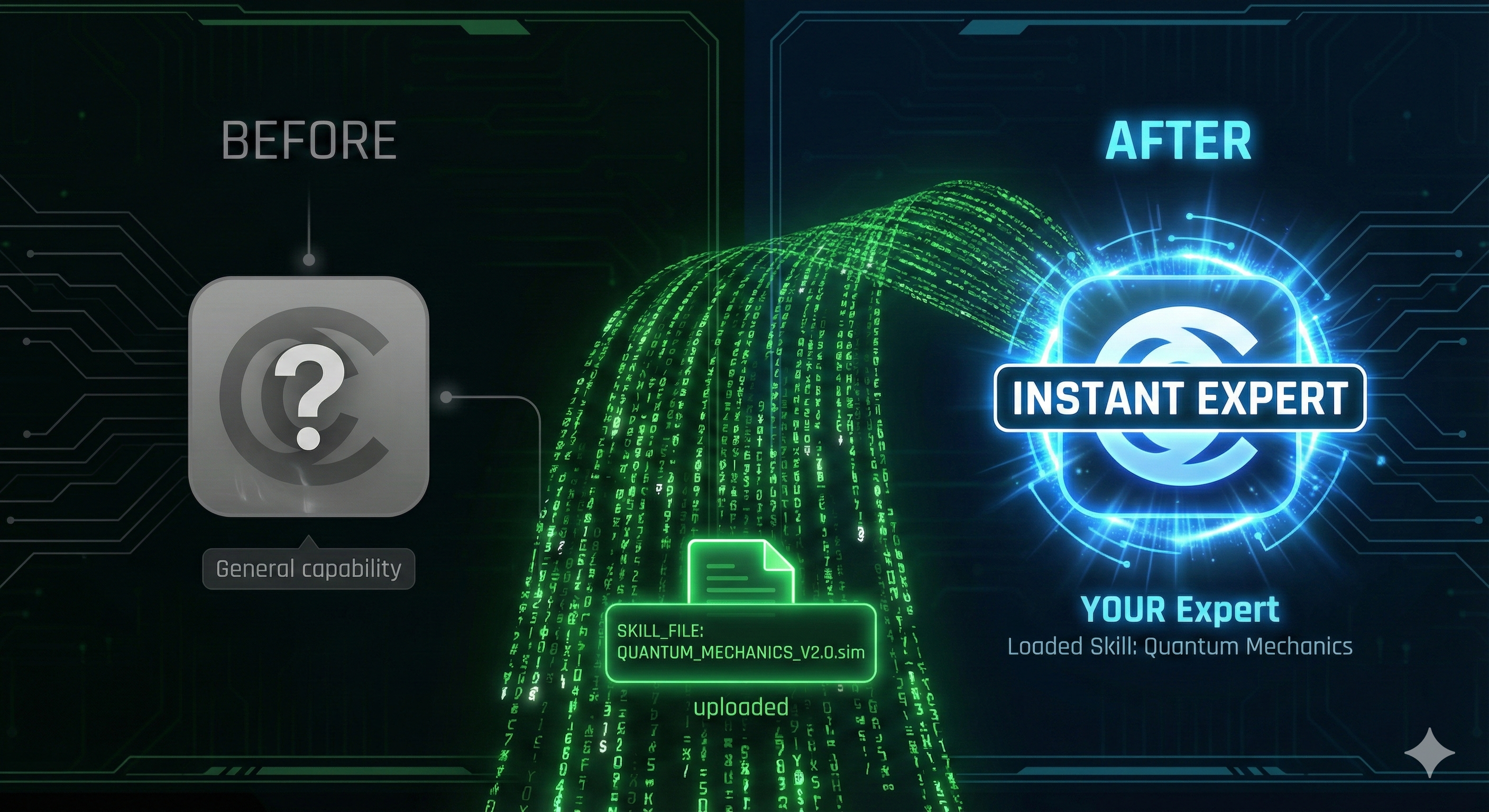
Skills work the same way. When you ask Claude to help with LinkedIn posts and you have a LinkedIn skill, Claude instantly "loads" your expertise—your tone, your structure, your preferences. The knowledge transfers in milliseconds, ready to use.
Trinity (Agent) + Helicopter Program (Skill) = Instant Expert Pilot Claude (Agent) + Your LinkedIn Skill = Instant Expert in YOUR Style
What skills are NOT: Saved prompts you paste in.
The difference is crucial. Skills can work two ways:
- Automatic activation: You just work, and Claude recognizes when your style guide applies. "Help me write a LinkedIn post about learning AI." → If you have a LinkedIn skill, Claude loads it automatically.
- Explicit invocation: You mention the skill by name. "Use internal-comms and write a LinkedIn post." → Claude loads exactly what you asked for.
Both approaches work! In this lesson, we'll use explicit invocation so you can clearly see skills in action. Once you're comfortable, you'll find Claude often activates the right skill automatically.
Hands-On: Experience Skills in Action
Enough theory. Let's see skills in action with real examples you'll use every day.
Which Skills Can You Use Right Now?
The Skills Lab contains two types of skills:
Works without Python (we'll use these today):
- internal-comms - Writing communications like LinkedIn posts, status reports, newsletters
- brand-guidelines - Applying brand colors and typography
Requires Python installed (for later):
- docx, pdf, pptx, xlsx - These document skills run Python scripts on your machine
Step 1: Download the Skills Lab
- Go to https://github.com/fistasolutions/claude-code-skills-lab
- Click the green Code button
- Select Download ZIP
- Extract the ZIP file
- Open the extracted folder in your terminal
Step 2: First, Try Without a Skill
Open Claude Code in the skills lab directory:
Let's ask for a LinkedIn post about learning AI:
"Write a LinkedIn post about learning how to build software with AI Agents."
Typical output you'll see:
This is okay—but it's generic. No personality, no engagement hook.
Step 3: Now Try With the Internal-Comms Skill
Clear the conversation and try again:
"Use internal-comms and write a LinkedIn post about learning how to build software with AI Agents."
Watch what happens:
Select 1. Yes.
The skill-enhanced output:
Notice the difference:
- ✅ Personal, enthusiastic tone
- ✅ Strategic use of emojis (exactly 3)
- ✅ Ends with an engagement question
- ✅ Shares personal insight
- ✅ Professional yet conversational
Step 4: Check Which Skills Are Available
"What skills do I have?"
You'll see all available skills:
"Which skills did you use in our conversation? How did you decide when to activate each one?"
This reveals how Claude automatically recognizes when skills match your requests.
Step 5: Try More Skills
Here are more examples to try (all work without Python):
- "Write a status report for my team about our project progress." (internal-comms skill)
- "Help me draft a company newsletter about our recent achievements." (internal-comms skill)
- "Apply brand guidelines to this document." (brand-guidelines skill)
Each time, Claude will activate the relevant skill based on your request. You can invoke explicitly by name or let Claude detect which skill applies.
After Installing Python
- "Create a PowerPoint presentation about AI agents." (pptx skill)
- "Create a budget spreadsheet with monthly totals." (xlsx skill)
- "Extract text from this PDF and summarize it." (pdf skill)
Real Example: The Study Notes Assistant
Skills work for any repeated task—especially student workflows.
The problem: A university student struggled with organizing lecture notes. They'd type notes during class or download lecture slides, but the information was messy and unstructured. When exam time came, they had pages of disorganized content.
The solution: They created a skill that transforms their raw lecture notes into structured study materials.
Important: Claude Code works with text, not video. This skill processes text-based notes you already have—from typed notes, lecture slides, or transcripts.
Here's what the skill does:
A typical interaction:
Why it works: The skill follows a proven study method:
- Immediate processing: Converts messy notes right after class
- Active recall: Practice questions test understanding
- Spaced repetition: Quick review sheet for future sessions
- Connections: Links new concepts to previous knowledge
What you need: Text-based content from:
- Notes you typed during class
- Text from lecture slides (copy-paste)
- Transcripts if available
- Highlighted text from PDF readings
The payoff: Instead of hours reorganizing messy content before exams, they spend 15 minutes right after each lecture. Most importantly, they actually use their notes because they're structured and easy to review.
In this example, the skill took under an hour to create. Now it automatically structures every lecture the same way, creating consistent, effective study materials from the text they already have.
Everyday Skills You Could Create
Think about your daily routines. Where do you repeat the same patterns?
For Social Media:
- LinkedIn posts with your professional tone
- Twitter threads that match your style
- Instagram captions with your emoji preferences
For Studying:
- Lecture note organizer (like above)
- Essay outline generator
- Flashcard maker from textbook chapters
For Personal Organization:
- Meeting notes formatter
- To-do list prioritizer
- Weekly goal setter and tracker
For Communication:
- Email templates for different situations
- Thank-you note generator
- Project status updates
Each of these saves you time and ensures consistency in how you present yourself to the world.
Mapping Your First Procedure
Ready to create your own skill? This exercise prepares you for the next lesson where you'll build your first skill.
Step 1: Find Your Repetitive Tasks
Think about your last week. What did you do repeatedly?
Common student patterns:
- 📱 Writing social media posts
- 📚 Organizing study notes
- 📧 Sending emails to professors or groups
- ✨ Making to-do lists or plans
- 💬 Replying to messages in group chats
Quick exercise: Open a notes app and write down 3 tasks you do regularly.
Step 2: Choose One and Define Your Style
Pick one task from your list. Answer these questions:
- When do I do this? (Example: "When I post on LinkedIn about learning")
- How do I like it? (Example: "Friendly but professional, 2-3 emojis, end with question")
- What makes it 'me'? (Example: "I always share a personal insight")
- What should others know? (Example: "I want to encourage engagement, not just broadcast")
Example: LinkedIn Posts for Students
When: Sharing learning milestones or project updates
My style: Start with excitement emoji, share what I learned, include a personal challenge I overcame, end with question to encourage comments
Distinctive: Always honest about struggles, not just successes
Pro tip: People connect with real stories, not perfect highlights
That's your personal style guide ready to become a skill!
Try With AI
Find Your Skill Ideas:
"I'm a student who uses Claude for [describe what you do: studying, social media, projects, etc.]. Help me identify 3 repetitive tasks that would make good skills. For each one, tell me: what the skill would do and why it would save me time."
What you're learning: How to spot skill opportunities in your own workflow. The patterns you notice here become the building blocks for Lesson 09.
Practice Your Procedure:
"I want to create a skill for [your chosen task]. Let's practice! Ask me questions about how I like to do this task. Then show me how you'd describe my style as a simple guide someone else could follow."
What you're learning: The interview-based approach to skill design. Claude asks questions, you provide expertise—this Three Roles pattern creates better skills than writing alone.